
JusTalk Kids
Safe Video Calling & Messaging
for Kids with Parental Controls
Made for kids to stay connected. Built for parents to stay in control.




JusTalk Kids Messenger
Text, voice notes, stickers, photos & short videos - simple and kid-friendly.
Learn MorePlay Together While on a Call
Try “Flying Santa” and more kid-friendly mini-games during video calls.
See mini-gamesDraw, React, Have Fun, Just for Kids
In-call doodles and playful reactions during kids video calls.
Learn More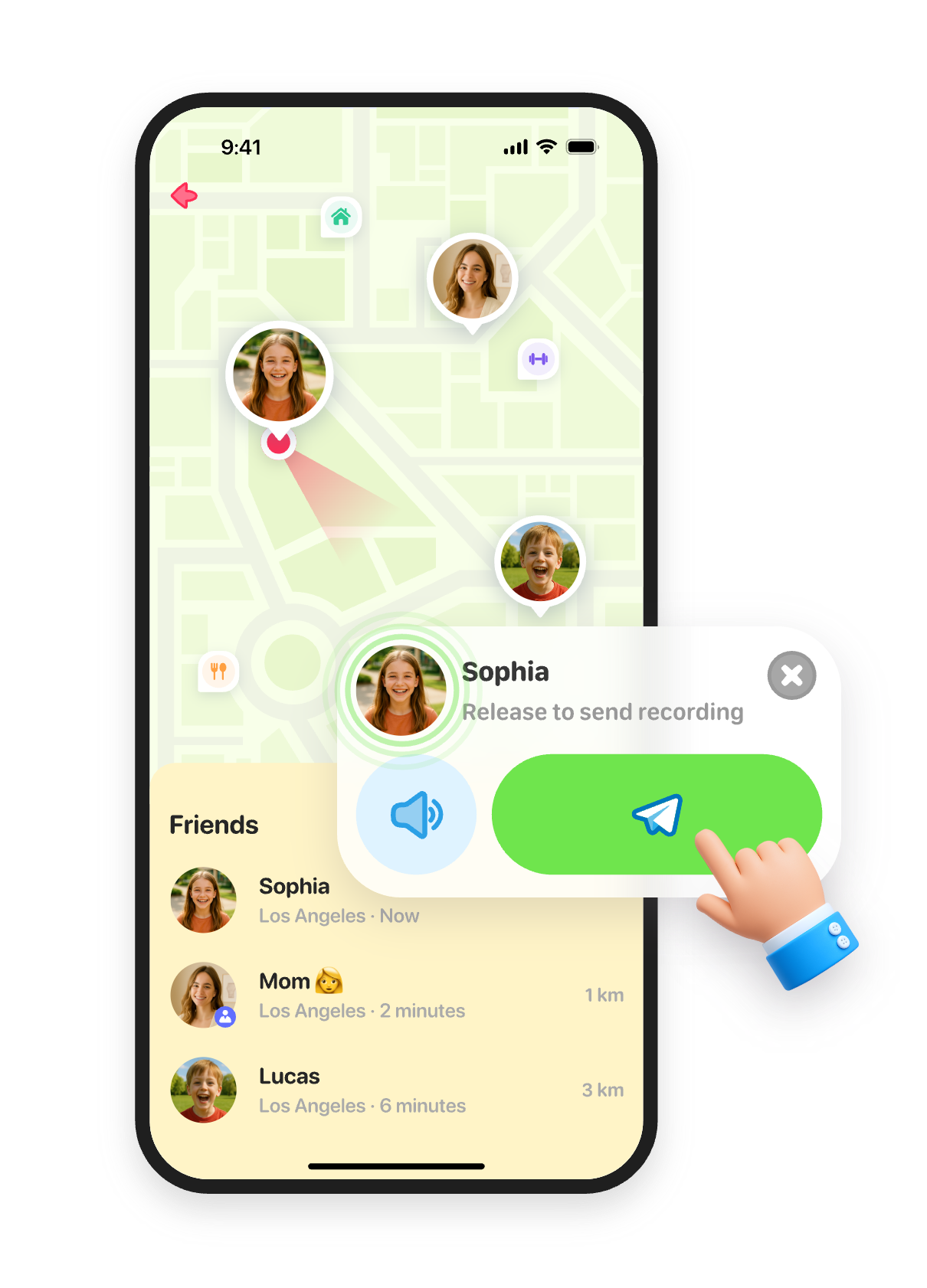
Introducing Talkie:
The Push to Talk Experience
Like a walkie talkie, but smarter. Send voice messages instantly — no typing, no waiting.
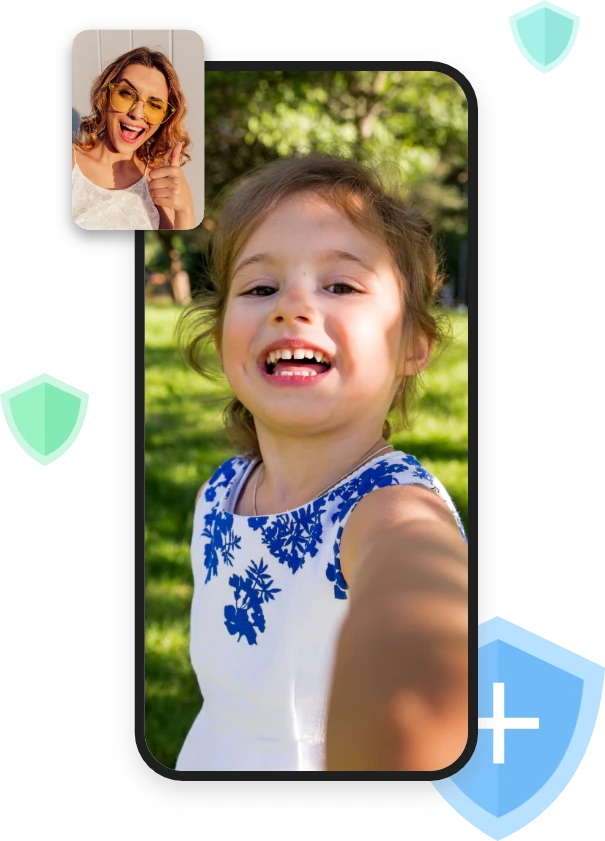
A Safer Way for Kids to Stay Connected
No public profiles. No random messages.
Kids only connect with people they know by sending and accepting friend requests.
All messages and calls are end-to-end encrypted for total privacy.
Kids only connect with people they know by sending and accepting friend requests.
All messages and calls are end-to-end encrypted for total privacy.
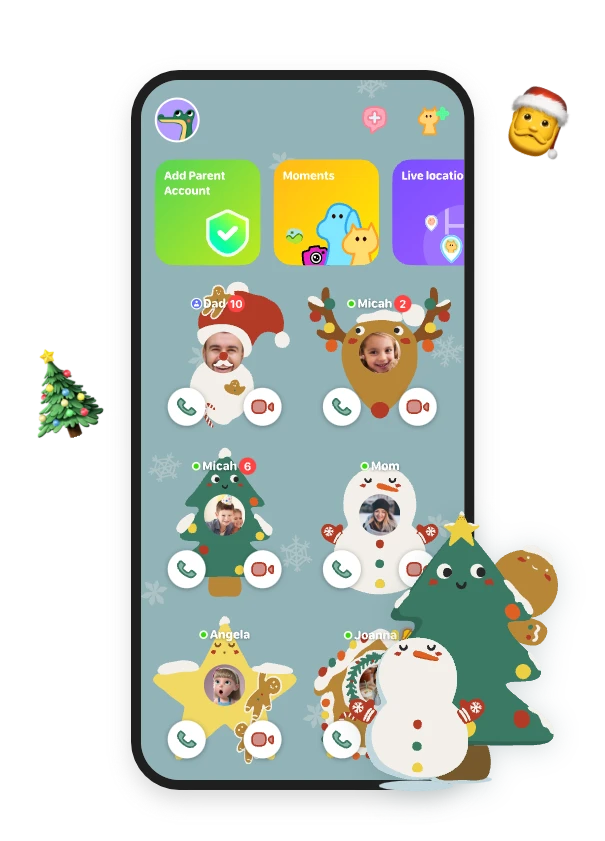
Personalized, Playful, and Just for Them.
From snowmen to cute animals, kids can choose the look they love.
Personal themes and icons make every chat more fun and familiar.
Parents Use JusTalk Family/JusTalk and Children Use JusTalk Kids
Parents and approved adults like grandparents can video chat and message their kids through the JusTalk Family/JusTalk app. JusTalk Kids allows kids to video call and message using Wi-Fi.


Unlock Early Access. Enjoy the Best Deal First.
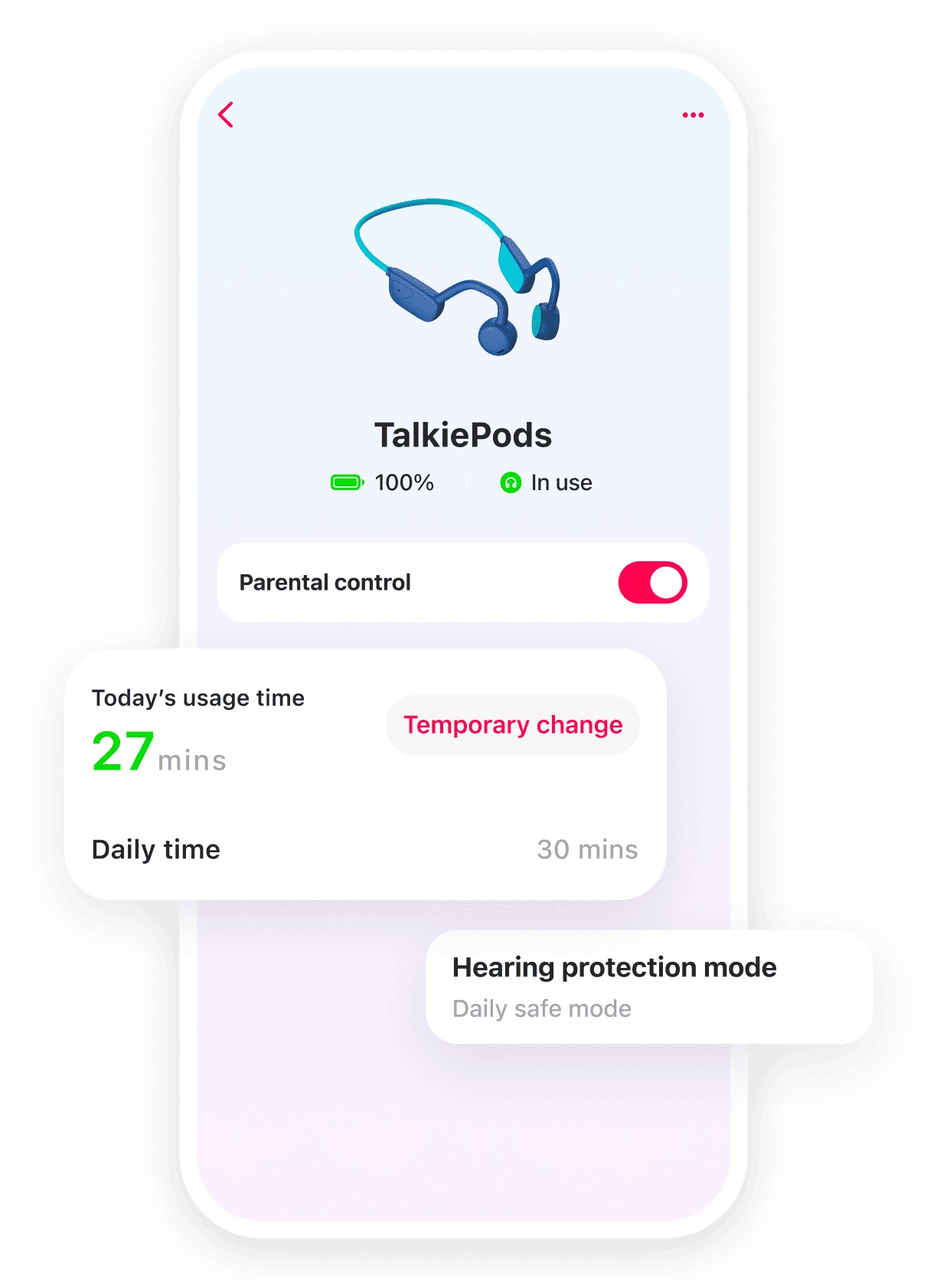
JusTalk TalkiePods let kids chat safely and hands-free — no screen needed.
Parents stay in control with smart volume limits and parental settings.
Get AccessParents stay in control with smart volume limits and parental settings.

How To Add a Parent Account
Set up a safe video chat and message for children in just three simple steps.
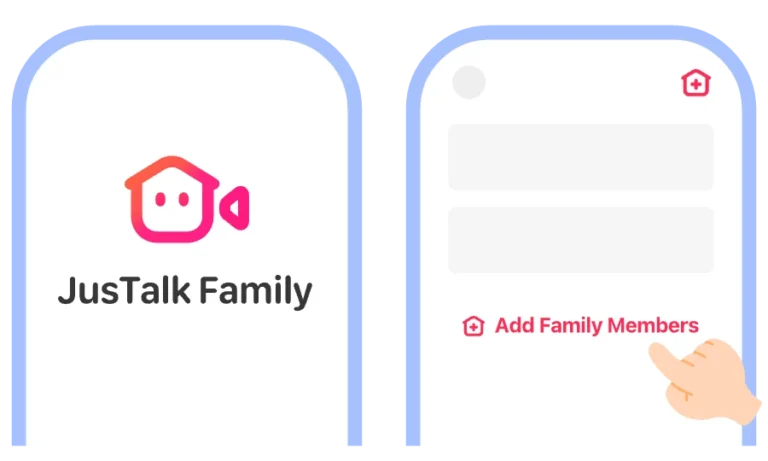

Download JusTalk Family
Step 1
Parents can download JusTalk Family to sign up or login.
Parents can download JusTalk Family to sign up or login.
Step 2
Tap "Add Kids" to scan the QR code on the parent account page.
Tap "Add Kids" to scan the QR code on the parent account page.
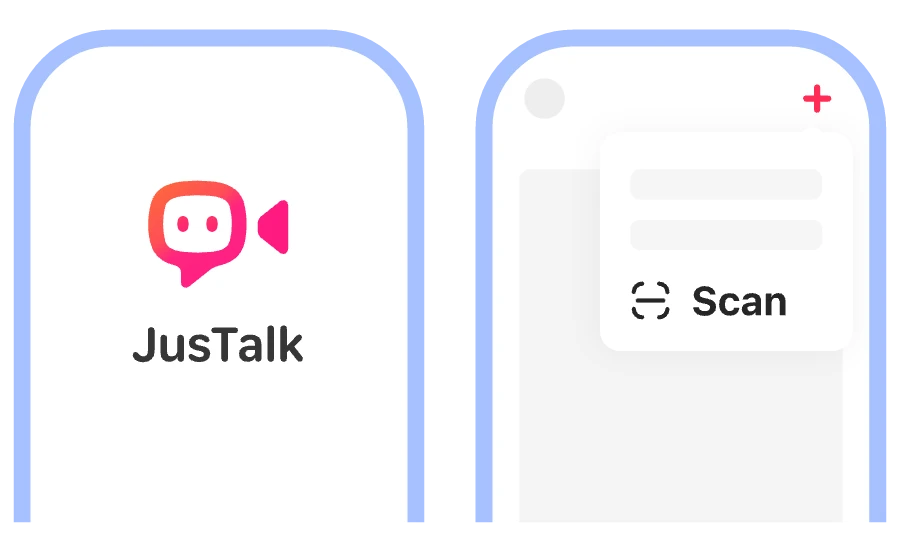

Download JusTalk
Step 1
Parents can download JusTalk to sign up(Choose regular sign up/Sign up with Premium Family) or login.
Parents can download JusTalk to sign up(Choose regular sign up/Sign up with Premium Family) or login.
Step 2
Tap "+" at the top right to open the scanner to scan the QR code.
Tap "+" at the top right to open the scanner to scan the QR code.
Pick the Perfect Plan
We've got the perfect plan for every kind of family-and friends who are basically family. Find your perfect fit.

Kids Premium
- Talkie Feature
- Parent Account
- Kids Friends Management
- Sensitive Content Control
- Live Location
- Connect to Parent Phone
- And More
Get 6, pay for 2

Premium Family
- All Features of JusTalk Premium
- Up to 6 Premium Accounts
- Connect to Parent Account
- Kids Friends Management
- Sensitive Content Control
- Live Location
- Link to Parent’s Phone Number
- And More
With Device

Platinum Family
- All features of Premium Family
- Free Annual Device Replacement
- Priority 1-on-1 Support
- Set Safe Maximum Volume Limits
- Manage Daily Usage Time
- Smart Battery Monitor
- Access Usage Reports
- And More

* Headphones included
Value $25.99
Platinum Family Only